Its our 14th Birthday 🥳 and We're Giving Away the Presents. Enter here for your chance to Win!

From Our Award-Winning Butchery to Your Table
Local Mangawhai Butcher and Online Butchers:
Your Local Butcher
Your local butcher is dedicated to bringing you the finest cuts of meat and exceptional service. Dan and Ange take immense pride in their craft, ensuring every product they offer is of the highest quality.
Dan’s expertise, recognised with numerous awards and his role with the prestigious Sharp Blacks team, underscores their commitment to excellence.
Whether you're visiting their Mangawhai store or looking for online butchers to deliver fresh meat boxes online, they are here to meet all your culinary needs with passion and expertise.



Fourteen years since we took over the shop and we still can’t quite believe it. To say a massive thank you for all the support over the years, we’re giving away 2 awesome Birthday Prize Packs worth $694 combined 🥳
Enter online or in-store from 7 May to 23 May 2026 for your chance to win. Winners announced 26 May. One entry per person, T&Cs apply, entrants must be 18+


ONLY THE BEST
Mangawhai Meat Shop is a butchery committed to delivering only the finest meats.
Highest Quality Meats
New Zealand Sourced, Zero Imported Meats
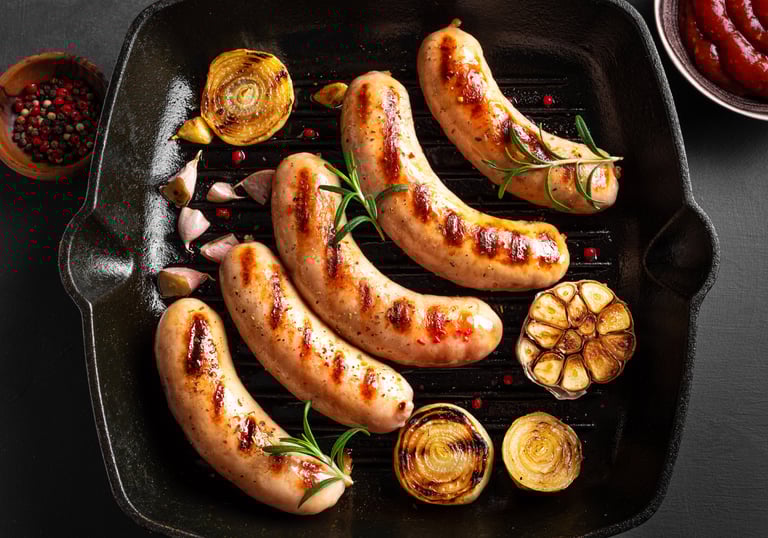
All Sausages Gluten-Free & No Filers Used
Free-Range Pork & Chicken
Handcrafted with Fresh Ingredients
23 AWARDS & COUNTING
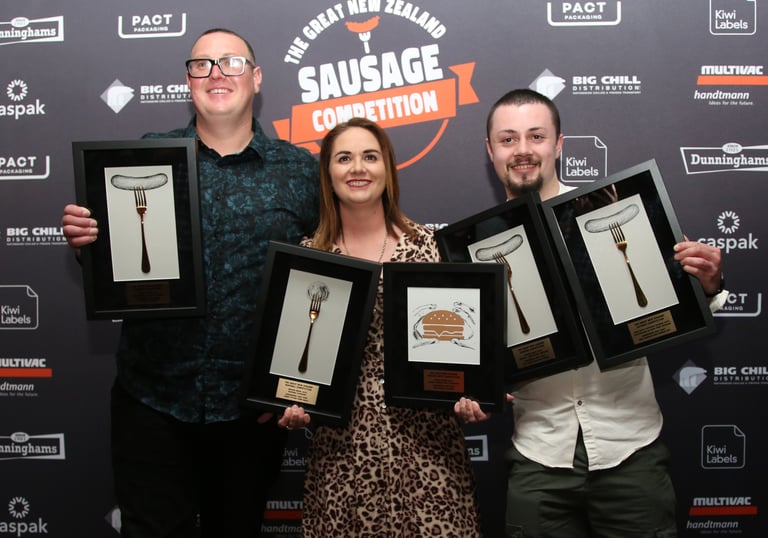
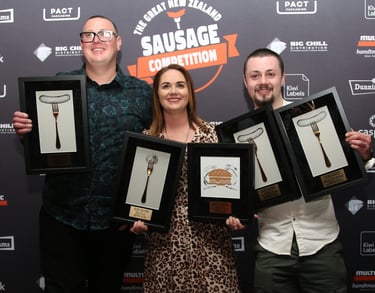
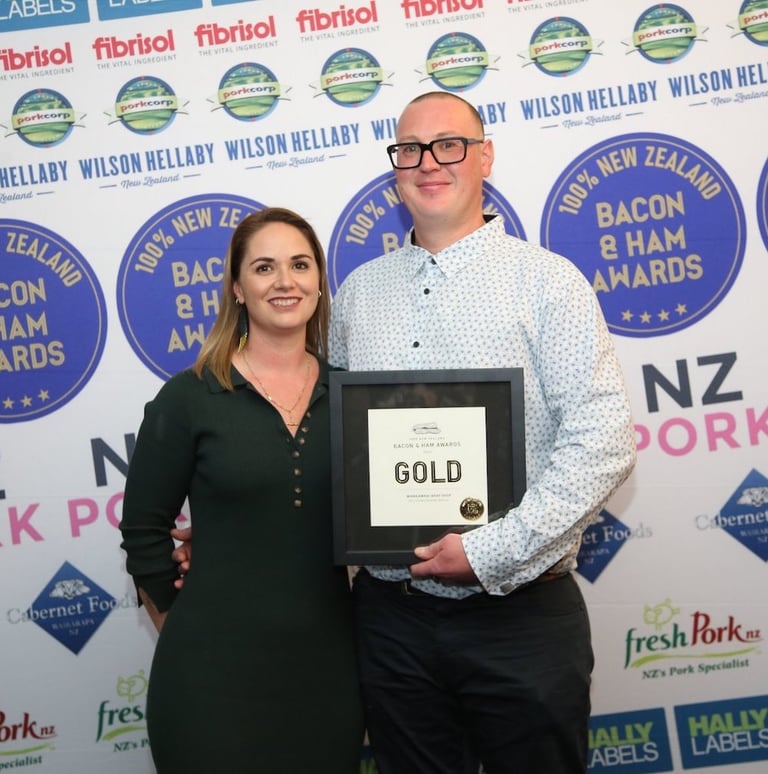
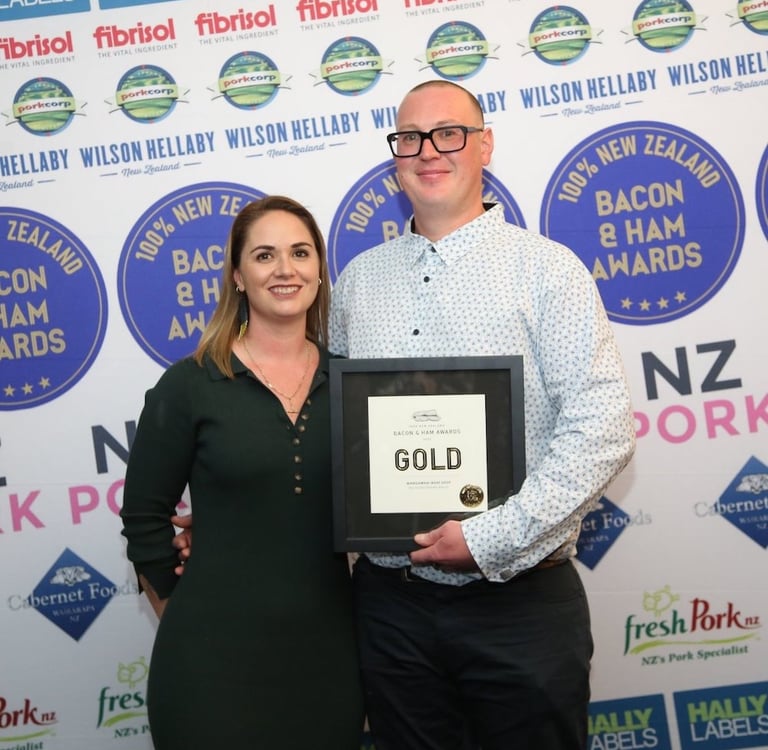
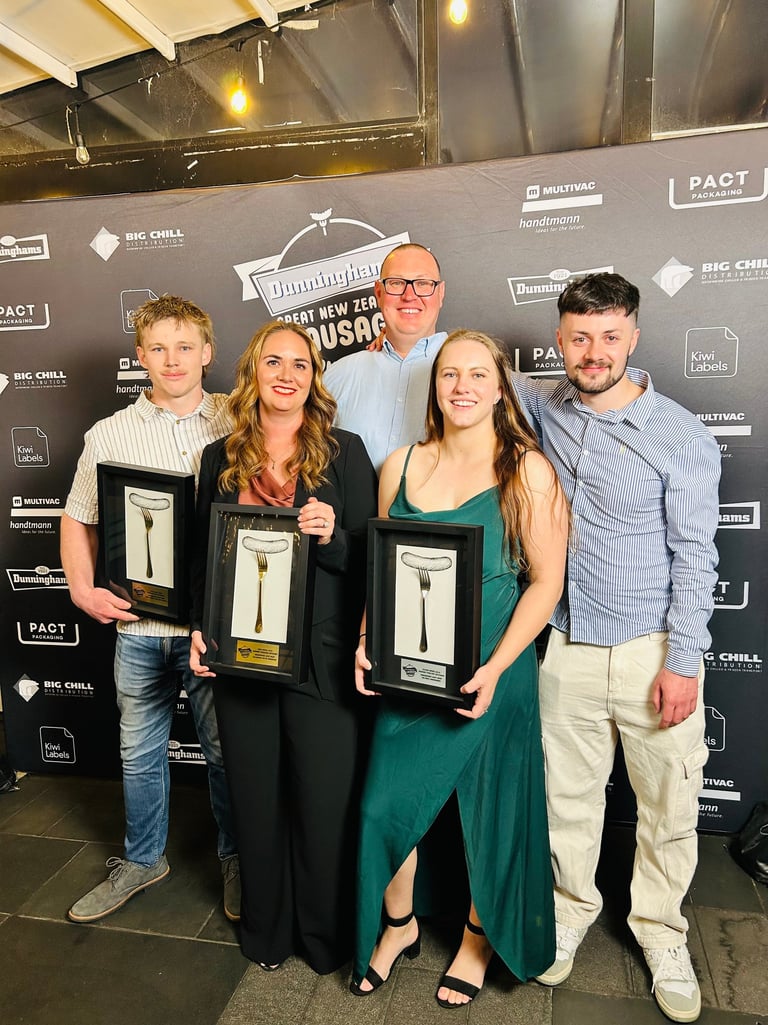
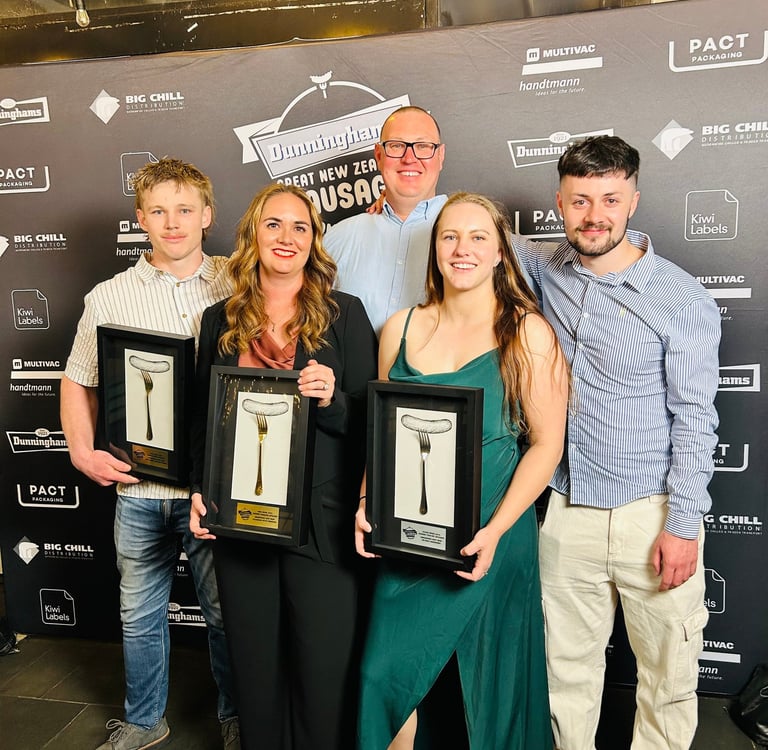
Mangawhai Meat Shop’s sausages, meatballs, streaky bacon and burger patties have won 23 awards in the last 12 years, including 3 awards this year.
This is a testament to Dan’s passion for flavour combinations, fresh ingredients and the care he takes to create great tasting products. From hand-picking kaffir lime leaves from his own garden, toasting fennel seeds, and spending hours experimenting in the kitchen on his days off, Dan is truly passionate about his craft.
Check out some of our top performers:
Chicken Lime & Lemongrass – Gold & Supreme Overall Winner
Thai Pumpkin & Cashew Nut – Gold Elite
Toulouse Sausage – Gold
Dry Cured Streaky Bacon – Gold
Beef Bean Mad Mex – Gold
Beef Brisket Burger Patties – Gold
Free Range Pork & Fennel Sausages – Gold
Bolognese with Parmesan Sausages – Gold
Order Online
Experience the convenience of shopping with a local butcher from anywhere with our online butchers' services. Explore our range of meat boxes online and have top-quality cuts delivered straight to your door.
Select click & collect for next day pick up or enjoy Free Mangawhai delivery for orders $100+. Head to our delivery page for more information on delivery fees and online butchery delivery time frames.
DAN REPRESENTS NEW ZEALAND!
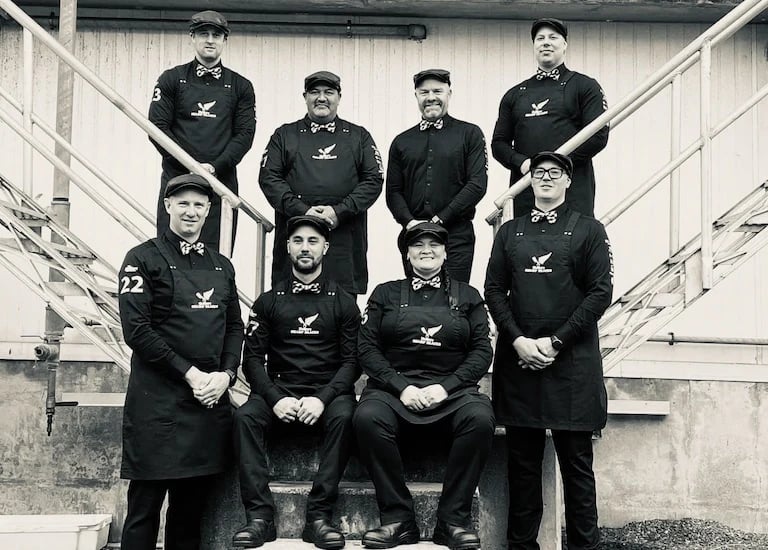
Not only has Dan won the prestigious Young Butcher of the Year for Upper North Island in 2016, followed by Upper North Island Regional Butcher in 2019, but he has also been selected to represent New Zealand as part of the Hellers Sharp Blacks NZ Butcher Team since 2022.
The team earned a bronze medal at the World Butchers’ Challenge in Sacramento in 2022 and recently competed on the world stage again in Paris in 2025, proudly representing Aotearoa among the best butchers from around the globe.


FAMILY-OWNED WITH A RICH HISTORY
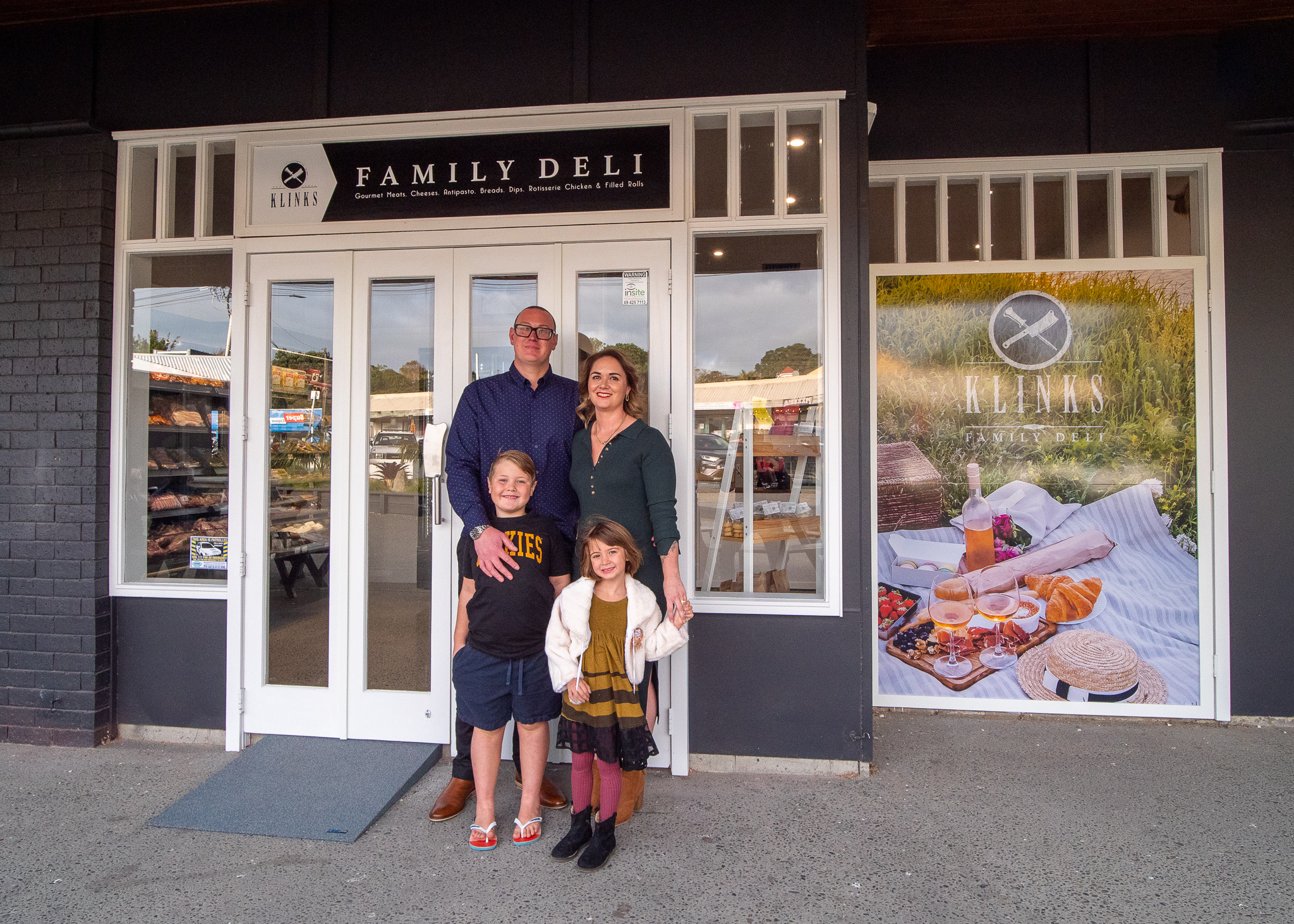
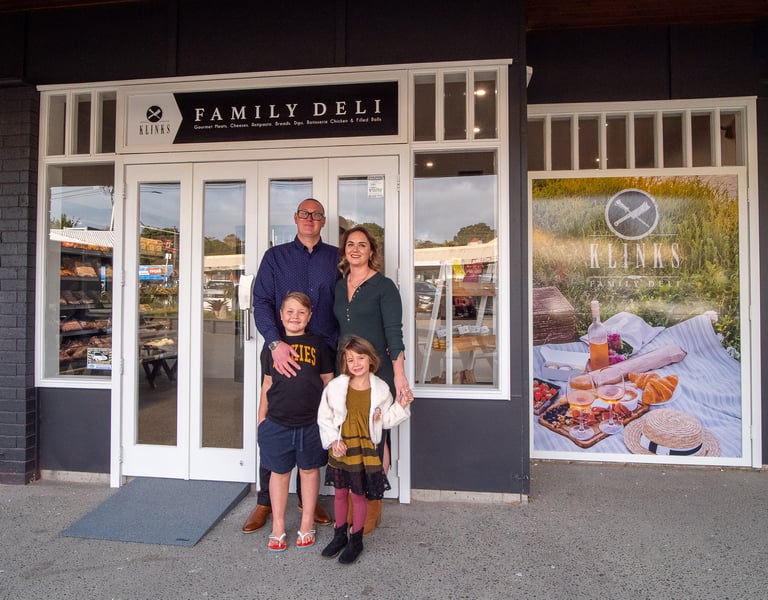
Owned and operated by the Ange and Dan Klink, Mangawhai Meat Shop is deeply embedded in the Mangawhai community, providing the area with top quality meat since 1995.
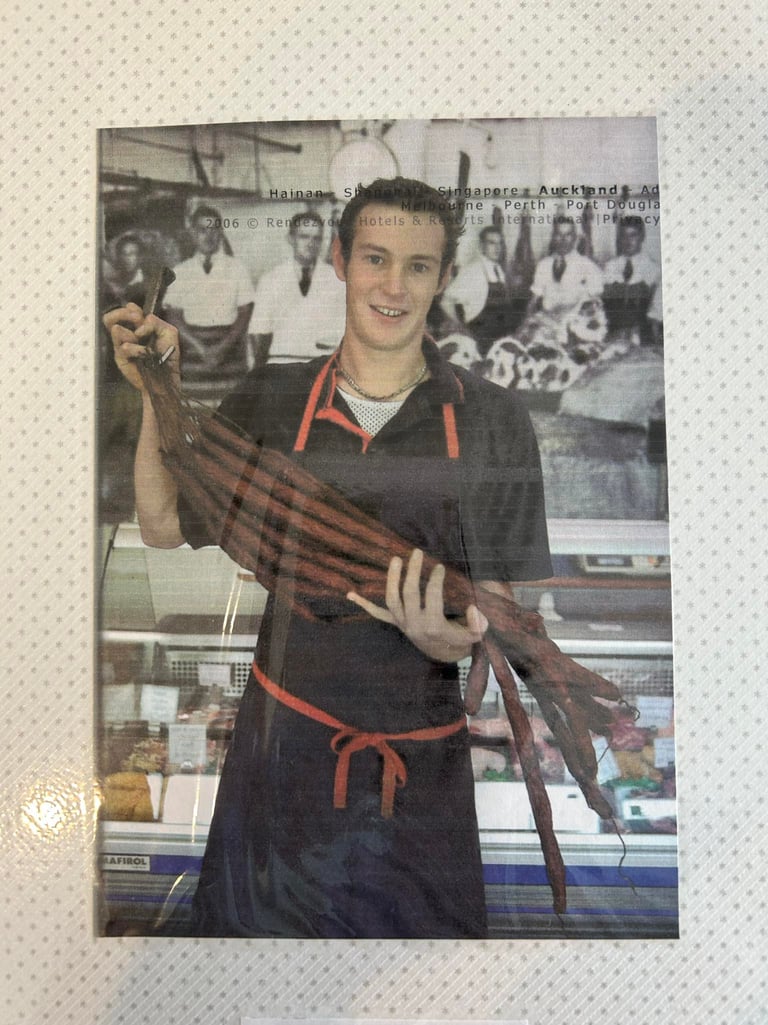
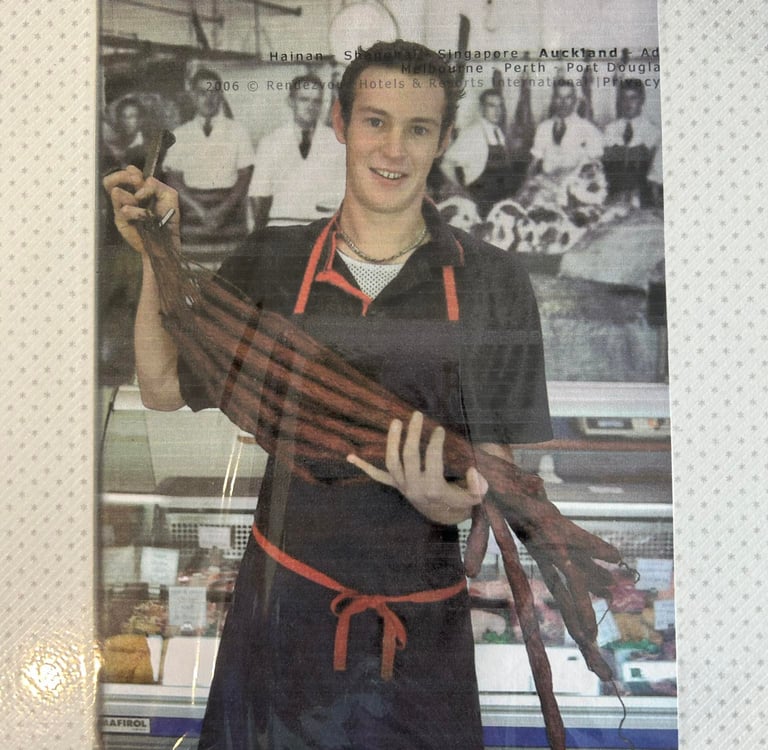
Dan started his apprenticeship in this very shop at age 15, then went on to gain experience in top butcheries in London and Melbourne before returning to Mangawhai to take over the shop from his parents in 2012.
"Absolutely incredible meat! Such a great range and all such amazing quality. Can’t recommend enough - you won’t be disappointed.”
- Amanda T
"Hands down the best lamb chops anywhere. I often come and get some and it’s is consistently the most tender delicious lamb chops.
- Fred P
”They now have an awesome delivery service that is fantastic! Awesome service, and fabulous meats. Definitely would recommend."
- Karen T
Visit Mangawhai's Boutique Butcher
Open 6 days a week. Extended opening hours over long weekends & summer.
Address
43 Moir Street, Mangawhai Village, Northland
Hours
Monday - Friday: 7:00am - 5.30pm
Saturday: 7:30am - 2pm
Sunday: Closed
Contact
Ph: 09 431 4564
Email: mangawhai.meats@gmail.com
Keep Updated
Sign up today for the latest news and special offers from Mangawhai Meats.
© 2026 Mangawhai Meat Shop
Discover the exceptional quality of Dan’s award-winning meats, perfected by a master butcher renowned for his craft. As a member of the prestigious New Zealand Sharp Blacks and part of a rich family tradition, we bring you top-tier cuts with a personal touch.
Mangawhai Meat Shop
43 Moir Street, Mangawhai Village
Open Mon - Fri 7:00am - 5:30pm Saturday: 7:30 am - 2pm
Phone 09 431 4564